





How to Start a WiFi Business With Small Capital
Learn how to start a WiFi business with small capital, including equipment, internet source, pricing, voucher sales, and customer growth tips.


How to Start a WiFi Business With Small Capital
Starting a WiFi business does not always require a very big budget. Many people think they need expensive equipment, a big office, and many customers before they can begin. But the truth is, you can start small, test the market, get your first paying customers, and grow step by step.
A WiFi business works by buying internet from an internet service provider and reselling it to customers using vouchers, packages, or monthly access. Customers connect to your WiFi, open the login page, enter their voucher code, and start browsing.
If you plan well, even a small WiFi setup can become a source of daily income.
1. Understand How the WiFi Business Works
Before spending money, you need to understand the business model.
The basic idea is simple:
- You buy internet from an ISP.
- You connect the internet to a router.
- You control customers using a hotspot system.
- You create packages and vouchers.
- Customers pay and receive access.
- You manage speed, time, and users.
For example, you can sell packages like:
| Package | Price |
|---|---|
| 2 Hours | UGX 500 |
| 24 Hours | UGX 1,000 |
| 1 Week | UGX 6,000 |
| 1 Month | UGX 25,000 |
The goal is to collect more money from customers than what you spend on internet, power, equipment maintenance, and support.
2. Start With a Small Target Area
When starting with small capital, do not try to cover a very big area immediately. Start with one small area where customers are close together.
Good starting areas include:
- Rental houses
- Student hostels
- Small trading centers
- Apartments
- Shops
- Salons
- Gaming areas
- Villages with poor mobile data
A small area is easier to cover, easier to manage, and cheaper to maintain.
If your first area works well, you can expand later.
3. Choose a Good Location
Location is very important in a WiFi business. Even if your internet is good, the business may fail if there are no customers nearby.
A good location should have:
- Many smartphone users
- People living close together
- Students or young people
- People who complain about expensive mobile data
- Stable power
- A place where you can mount an access point
- Customers who can afford small packages
Before starting, talk to people in the area. Ask them if they would buy affordable WiFi if it was available.
This simple research can save you from wasting money.
4. Get a Reliable Internet Connection
Your WiFi business depends on the quality of your internet. If your ISP is unstable, customers will blame your business.
When starting small, you can begin with a package that matches your expected number of users.
| Users | Suggested Internet Speed |
|---|---|
| 5–15 users | 20 Mbps |
| 15–30 users | 50 Mbps |
| 30–70 users | 100 Mbps |
| 70+ users | 100 Mbps and above |
Do not only look at speed. Also check stability, support, installation cost, and monthly price.
A stable 50 Mbps connection can be better than an unstable 100 Mbps connection.
5. Buy Basic Equipment First
You do not need to buy everything at once. Start with the most important equipment.
Basic equipment can include:
| Equipment | Purpose |
|---|---|
| ISP internet | Main connection |
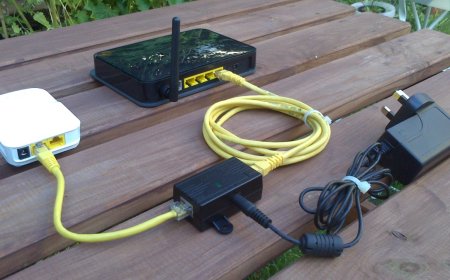
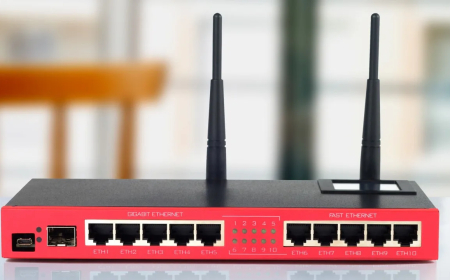
| MikroTik router | Controls users and vouchers |
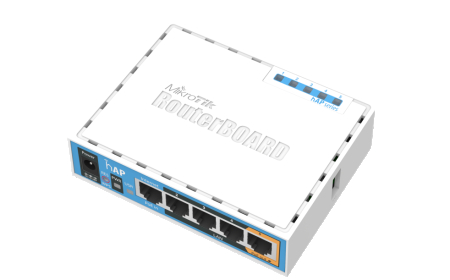
| Access point | Spreads WiFi signal |
| Ethernet cable | Connects devices |
| Power backup | Keeps WiFi on during power cuts |
For a small setup, you can start with one MikroTik router and one access point.
As the business grows, you can add more access points, switches, and backup power.
6. Use MikroTik for User Control
A MikroTik router is very useful for a WiFi business because it helps you control users.
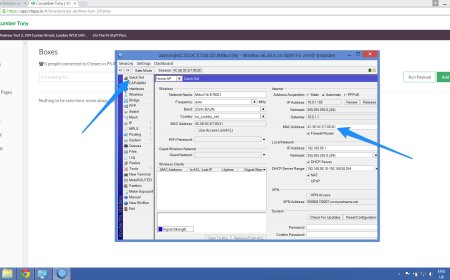
With MikroTik, you can:
- Create voucher codes
- Set time limits
- Set speed limits
- Limit devices
- Disconnect expired users
- Monitor active users
- Create different packages
- Upload a custom login page
Without a control system, customers may share passwords freely and use internet without paying properly.
MikroTik helps protect your business.
7. Create Simple Packages
When starting small, avoid too many packages. Too many options can confuse customers.
Start with simple packages like:
| Package | Price | Speed |
|---|---|---|
| 2 Hours | UGX 500 | 5 Mbps |
| 24 Hours | UGX 1,000 | 7 Mbps |
| 1 Week | UGX 6,000 | 10 Mbps |
| 1 Month | UGX 25,000 | 15 Mbps |
These packages are easy to understand and easy to sell.
Later, you can add 3-day packages, night bundles, family packs, or group packages.
8. Sell Vouchers Manually at First
When starting with small capital, you do not need a complicated billing system immediately.
You can start by selling vouchers manually.
Ways to sell vouchers include:
- Cash payment
- Mobile money
- WhatsApp order
- Nearby agents
- Shop-based sales
For example, a customer sends mobile money, then you send them the voucher code on WhatsApp.
Later, when your business grows, you can add automatic payments and voucher generation.
9. Use Transaction ID as Voucher Code
One simple method is allowing customers to use the mobile money transaction ID as their voucher code.
For example:
Your voucher code is the Transaction ID in the payment message you received.
This method is simple because customers already receive the transaction ID after payment.
Your captive portal can show this message:
WiFi YO. Your voucher code is the Transaction ID in the payment message you received. Enter that code and click Login to access the internet.
This reduces confusion and makes the payment process easier.
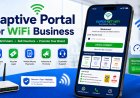
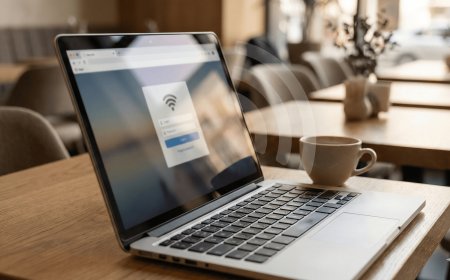
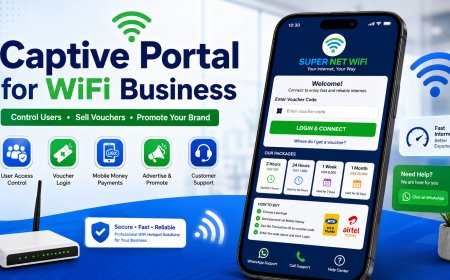
10. Create a Simple Captive Portal
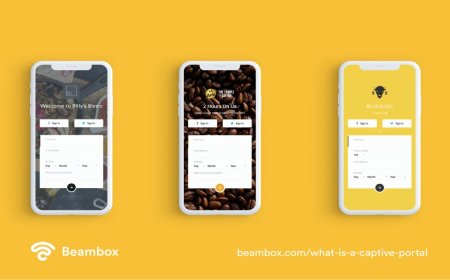
Your captive portal is the login page customers see when they connect to your WiFi.
A good captive portal should show:
- WiFi business name
- Logo
- Package prices
- Voucher login box
- Payment instructions
- WhatsApp support button
- Trial access button
- Help links
The page should be simple and mobile-friendly because most customers use phones.
Do not make the portal too heavy with large images and many videos. It should load fast.
11. Promote Your WiFi Locally
After setting up, people need to know your WiFi exists.
You can promote using:
- Posters
- WhatsApp groups
- Door-to-door introduction
- Shop agents
- Free trial
- Referral bonuses
- Community announcements
Example message:
Affordable WiFi is now available in your area. Connect to WiFi YO and enjoy internet from only UGX 500. For support, WhatsApp 07XXXXXXXX.
Local promotion is very important when starting.
12. Start With Affordable Pricing
Your first customers need to test and trust your service.
Small affordable packages can attract them.
| Package | Price |
|---|---|
| 2 Hours | UGX 500 |
| 24 Hours | UGX 1,000 |
These low-entry packages help new customers try your WiFi without fear.
Once they trust your service, you can encourage them to buy weekly or monthly packages.
13. Reinvest Your Profit
When you start making money, do not spend all the profit immediately.
Reinvest in:
- Better access points
- More coverage
- Backup power
- Better router
- Posters
- Agent commission
- Website or billing system
Reinvesting helps the business grow from a small setup into a stronger hotspot network.
14. Keep Customer Support Strong
Customer support can make or break your WiFi business.
Customers may need help with:
- Login page not opening
- Voucher code not working
- Weak signal
- Slow internet
- Payment issues
- Device connection problems
Respond quickly and politely.
A customer who gets good support is more likely to continue buying from you.
15. Conclusion
Starting a WiFi business with small capital is possible if you begin wisely. You do not need to cover a big area immediately. Start small, choose a good location, get reliable internet, use MikroTik for control, create simple packages, and sell vouchers clearly.
The most important thing is to test the market first. If customers like your service, you can expand step by step.
A small WiFi business can grow into a strong daily income business when it is managed well.
What's Your Reaction?
 Like
0
Like
0
 Dislike
0
Dislike
0
 Love
0
Love
0
 Funny
0
Funny
0
 Angry
0
Angry
0
 Sad
0
Sad
0
 Wow
0
Wow
0